Science Projects
 Sensor & Modules
 Basic Components
 Development Boards
 Robotic Parts
 Drone Parts
 Tools & Accessories
 Power Sources
 Kits & Combo
 IC & Microchip
 Cables & Connectors
 Audio Components
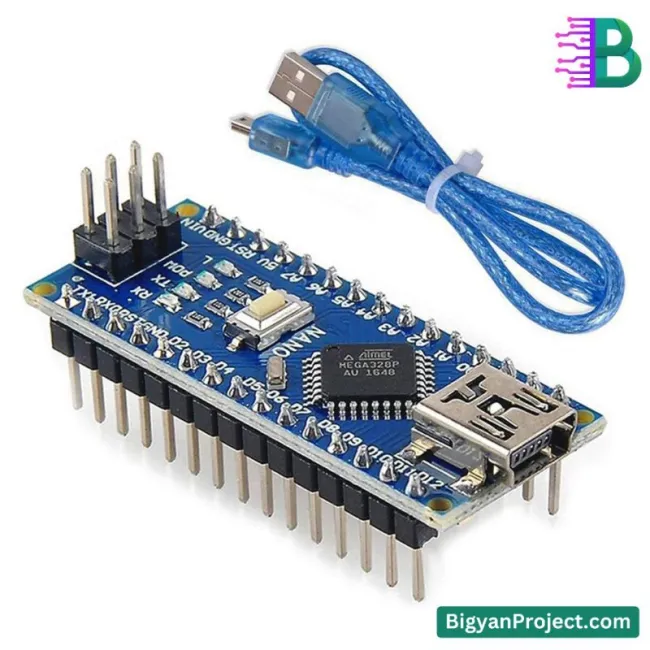
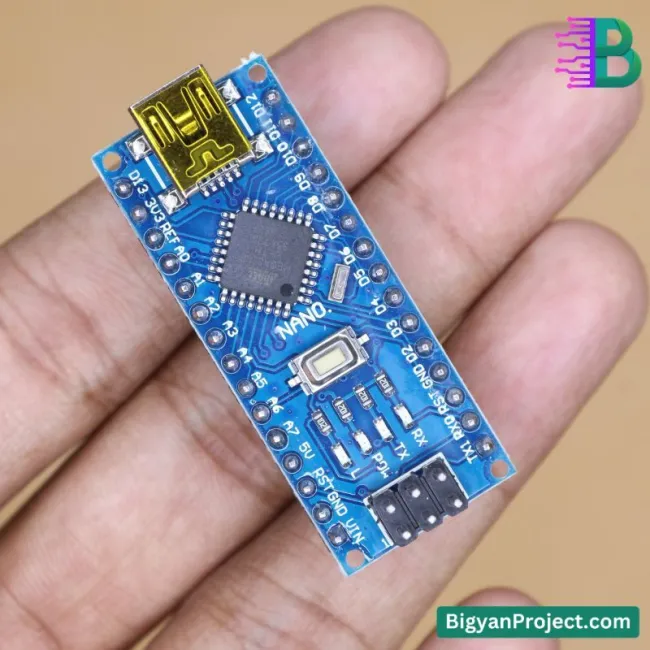
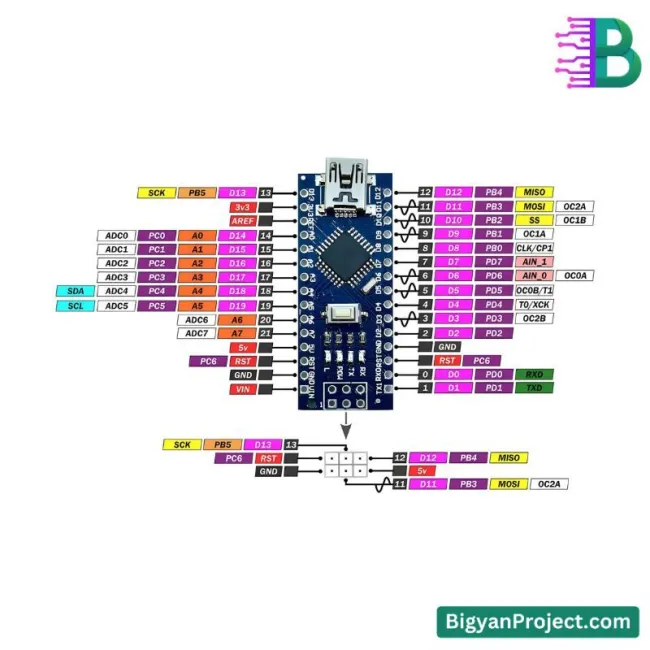
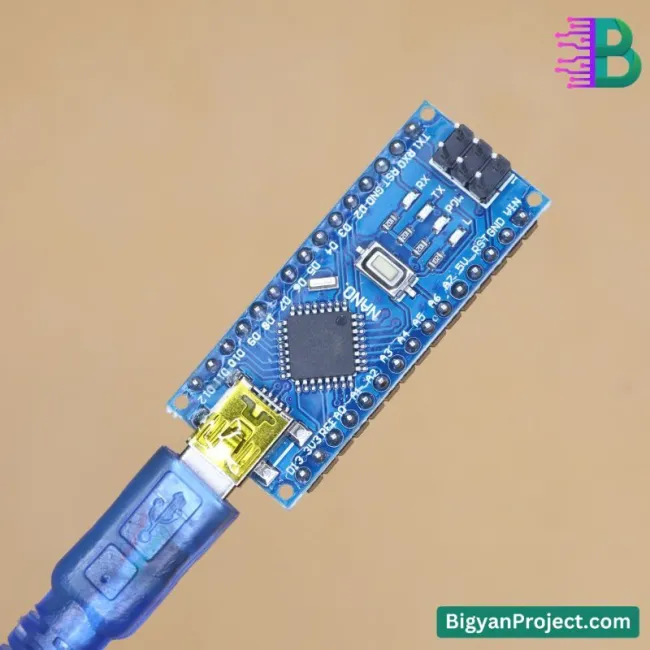
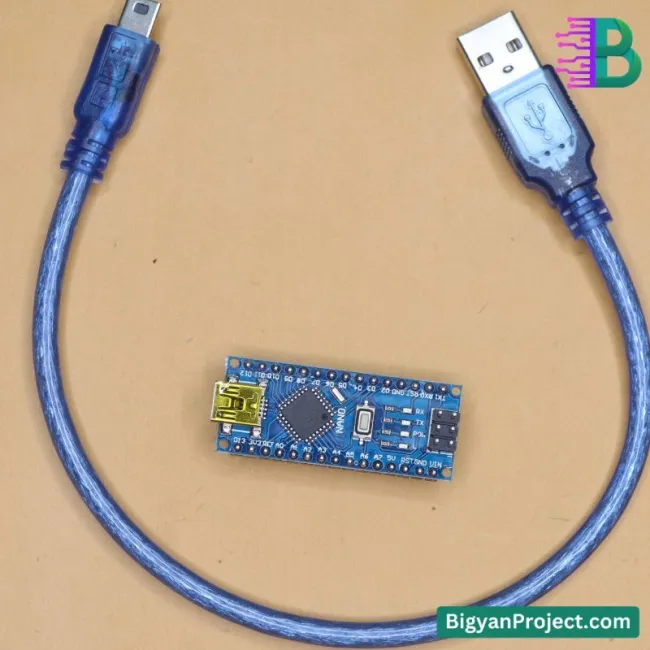
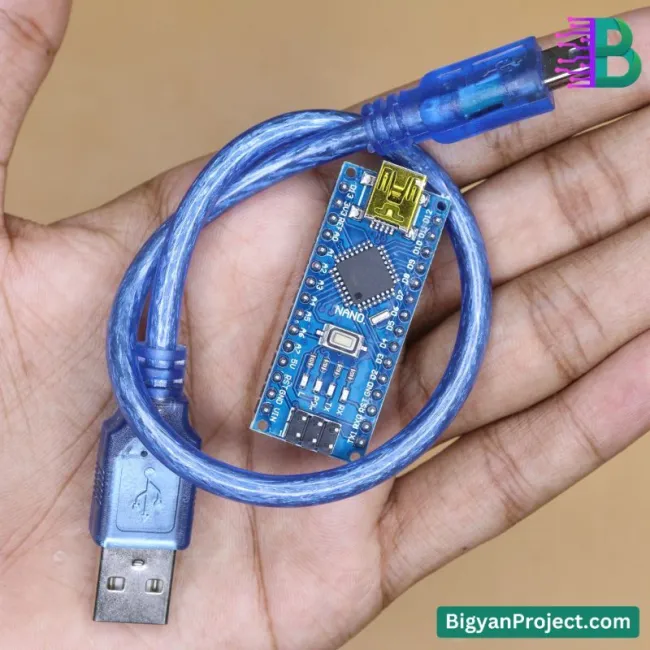
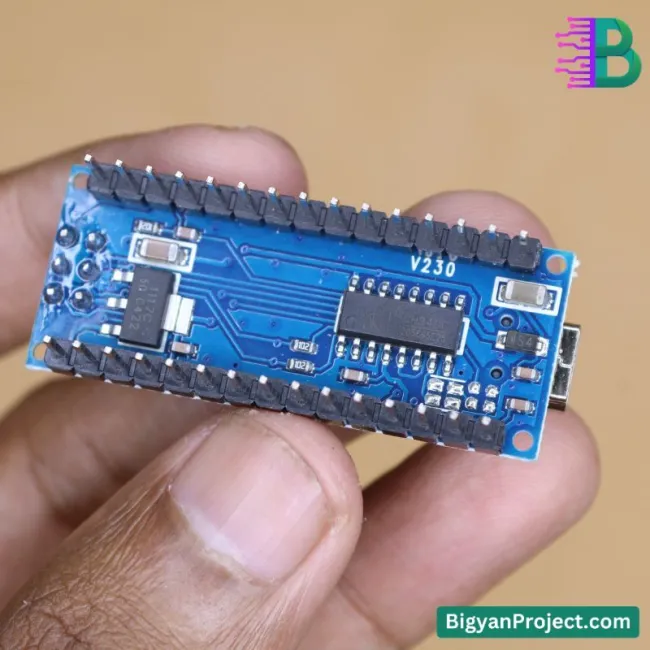
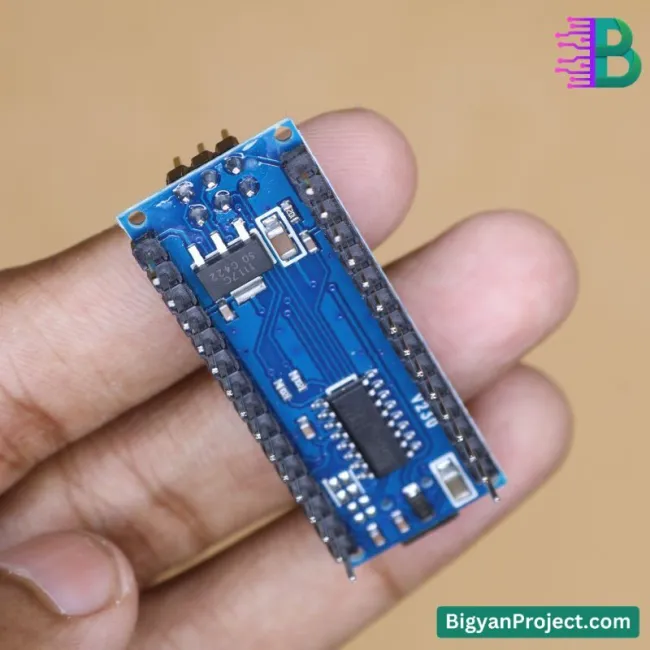
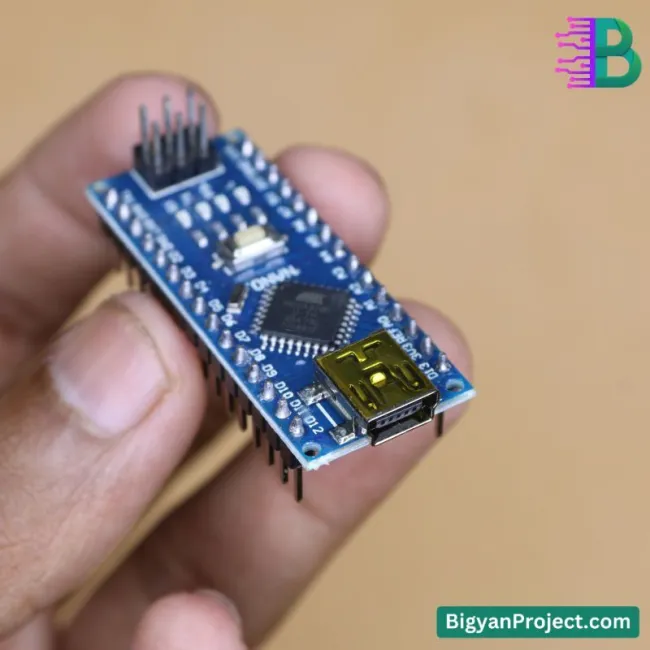
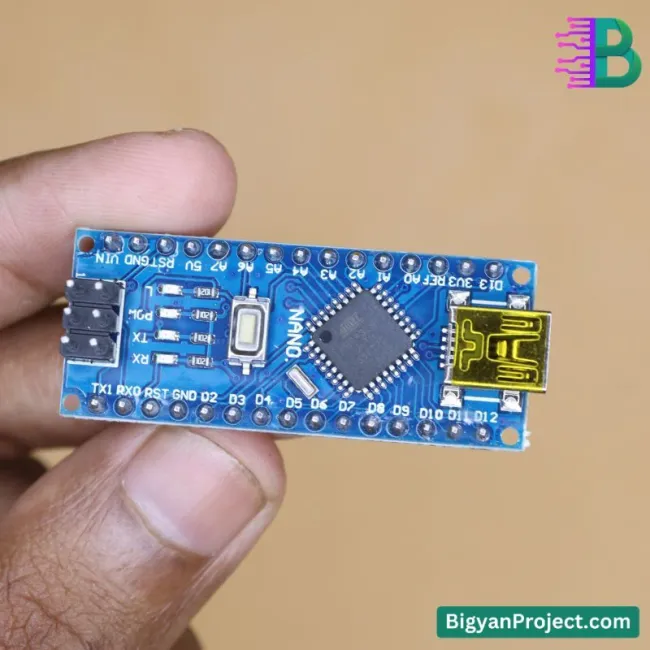
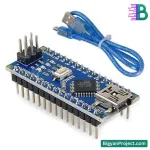

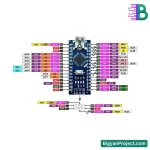

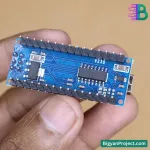


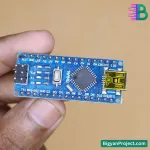
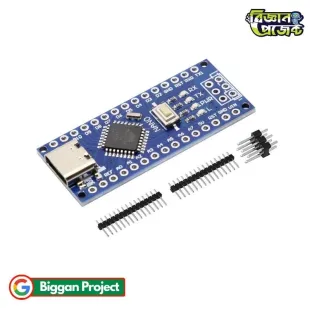
The Arduino Nano R3 is a small, breadboard-friendly development board powered by the ATmega328 microcontroller. It offers the same functionality as the Arduino Uno but in a more compact form. The Nano R3 features 22 digital I/O pins, 8 analog inputs, and a 16MHz clock speed, making it ideal for embedded systems, robotics, and IoT applications.
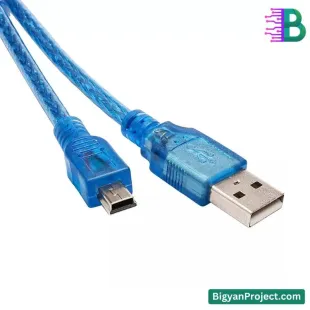


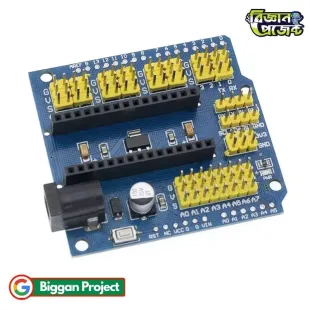
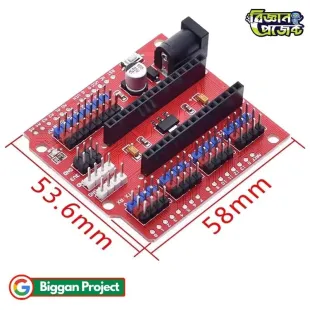


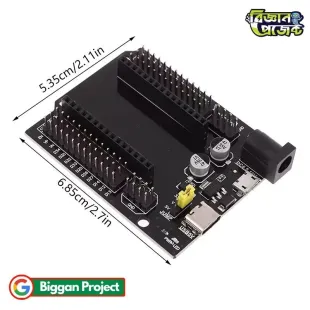
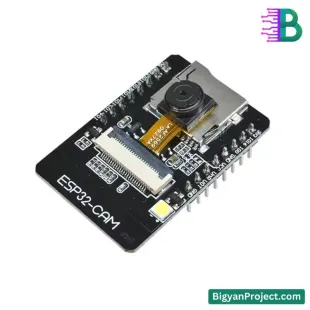


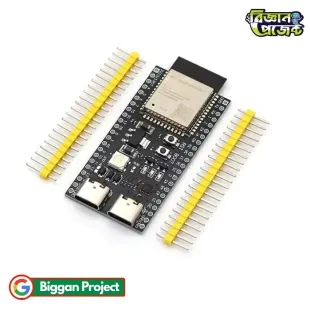


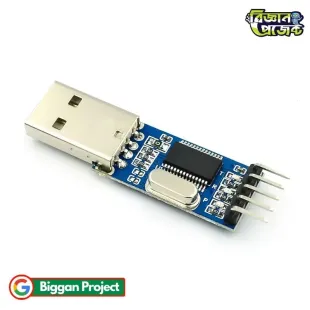
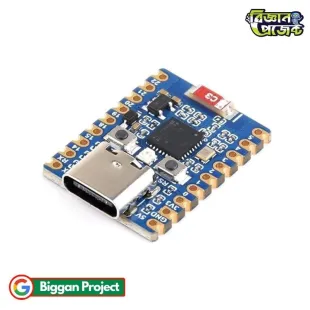
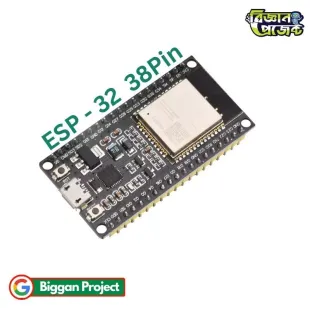
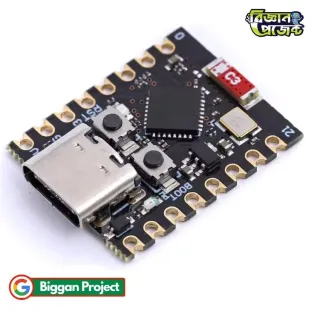







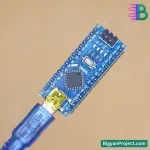
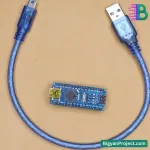
The Arduino Nano R3 is a compact yet powerful microcontroller board, ideal for embedded systems, robotics, automation, and IoT applications. Equipped with the ATmega328 microcontroller, it provides the same features as the Arduino Uno but in a smaller form factor, making it perfect for projects with space constraints. The board is designed for ease of use, featuring a Mini-B USB interface for programming and power. Its robust set of digital and analog pins allows for versatile project development, from simple LED blink circuits to complex robotic systems.
| Specification | Details |
|---|---|
| Microcontroller | ATmega328 |
| Operating Voltage | 5V DC |
| Input Voltage | 7-12V |
| Flash Memory | 32KB (2KB used by bootloader) |
| SRAM | 2KB |
| EEPROM | 1KB |
| Clock Speed | 16MHz |
| Digital I/O Pins | 22 (6 PWM) |
| Analog Input Pins | 8 |
| USB Interface | Mini-B USB |
Using the Arduino Nano R3 is simple. Follow these steps:
The Arduino Nano R3 is a powerful and compact microcontroller board suitable for a variety of applications, from robotics to IoT projects. Its small size, affordability, and compatibility with Arduino software make it an excellent choice for students, hobbyists, and engineers looking for a reliable development board. Whether you are a beginner or an expert, the Arduino Nano R3 is a great addition to your electronics toolkit.
Data sheet
Important Notice
The product details on this page are collected from multiple reliable sources. Minor discrepancies may occur, so please check labels, instructions, and warnings before use.
Note: Images are for illustration only and may slightly differ from the actual product.
Unboxing Video: Please record an unboxing video showing the package was unopened before opening. Required for claims of missing, damaged, or incorrect items.
The latest price of Arduino Nano R3 Board (ATmega328) in Bangladesh is ৳380 Taka. You can buy the Arduino Nano R3 Board (ATmega328) at best price from Biggan Project.